
Wisewand Autopilot V2: Create SEO Articles in 3 Minutes
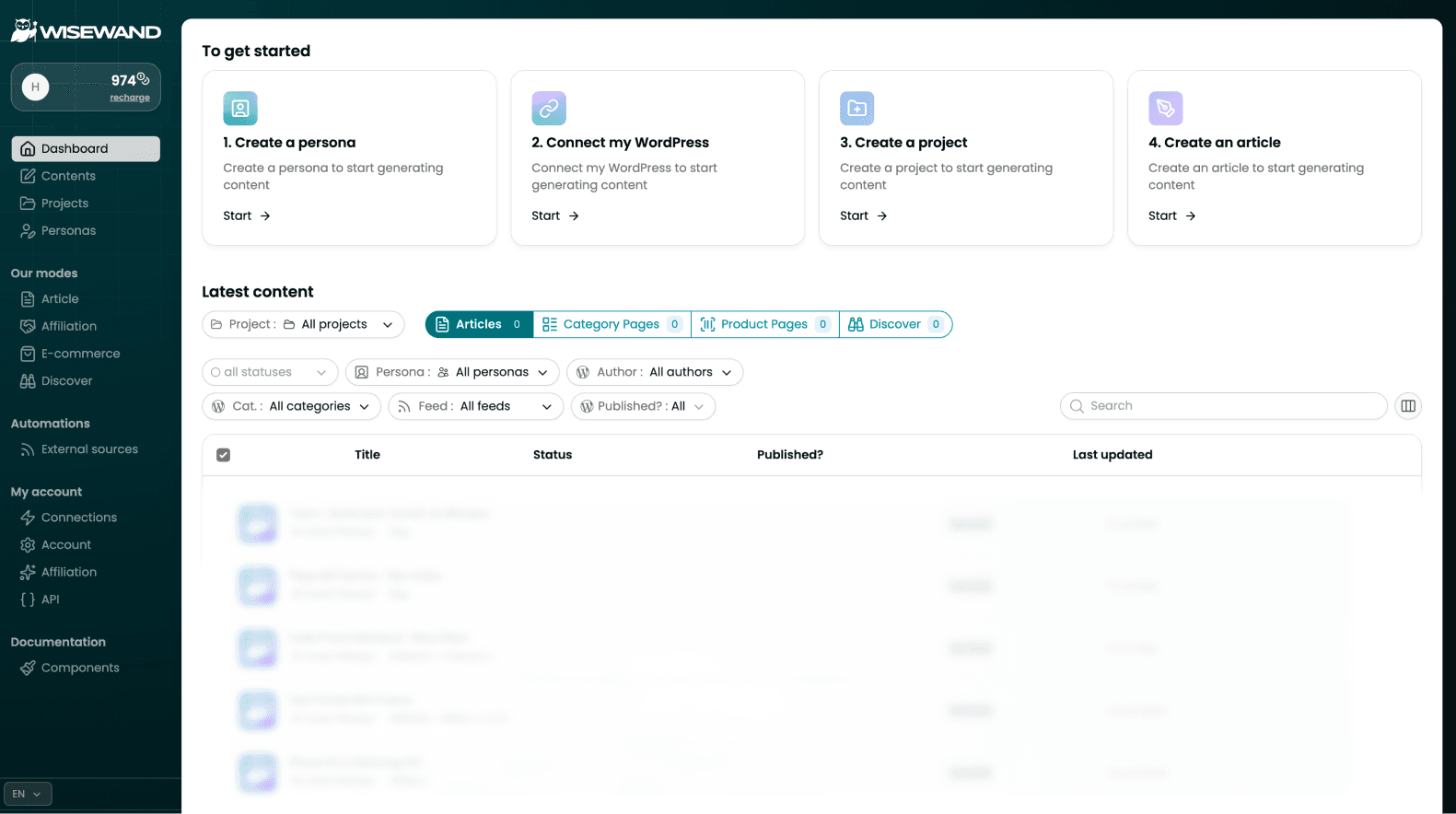
Why Autopilot V2 Changes Everything
When Wisewand launched in March 2025, generating a complete SEO article took 8-20 minutes. With V2 Autopilot, that dropped to under 3 minutes for a 3,000-word article with 4K images. That's not a small improvement - it fundamentally changes how you can approach content production.
I've tested both modes extensively over 6 weeks (see our full Wisewand review for the complete breakdown). In this guide, I'll walk you through the exact workflow I use to generate, review, and publish SEO articles with Autopilot V2.
Step 1: Set Up Your Persona First
Before generating your first article, take 10 minutes to create a persona. This is the single most impactful step for content quality.
What is a Persona?
A persona defines your brand voice - tone, style, vocabulary, and writing patterns. Wisewand uses this profile to generate content that matches your existing content, not generic AI output.
How to Create One
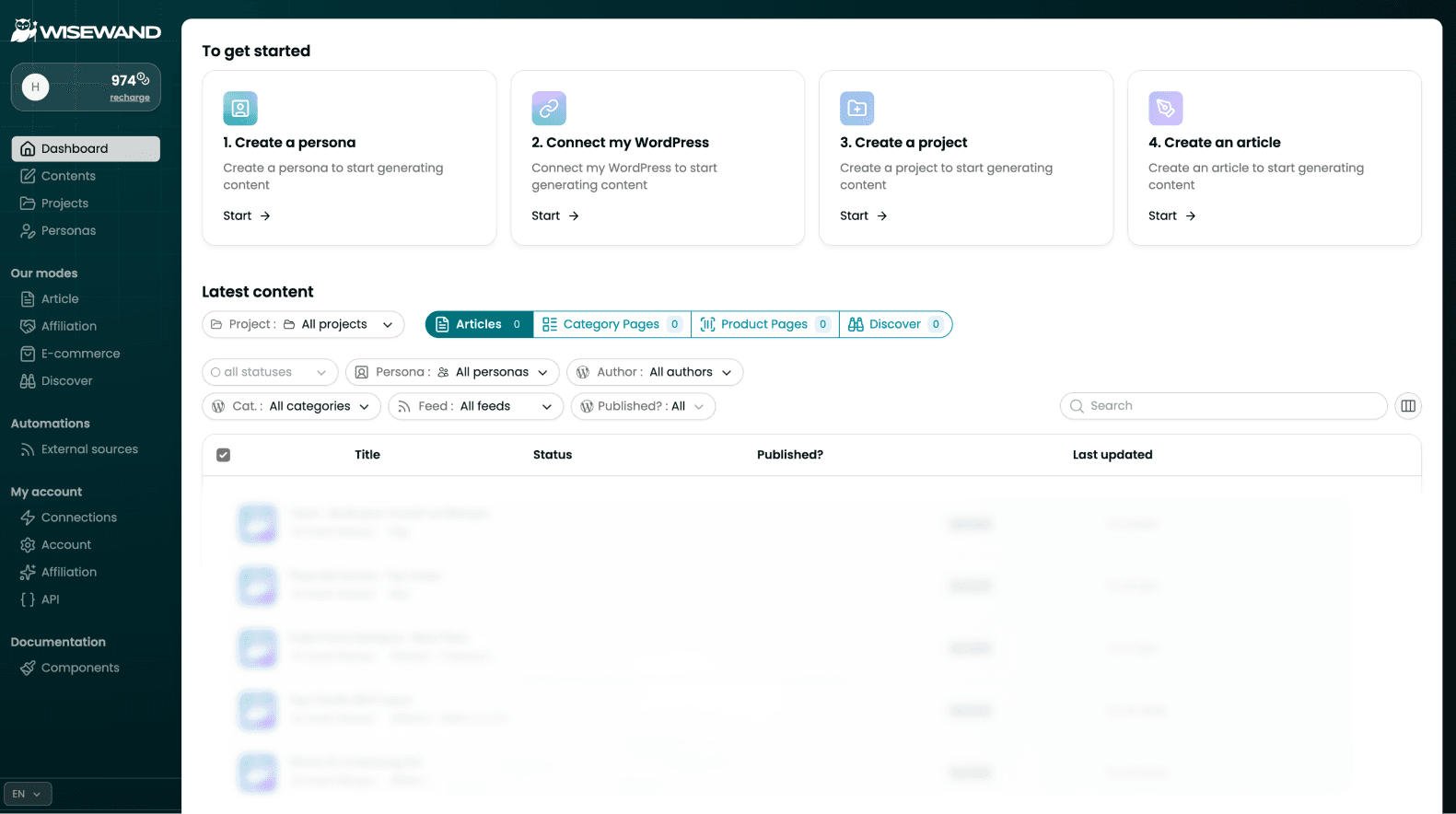
Navigate to the Personas section in your Wisewand dashboard. You have two options:
- Manual setup: Define your tone (formal, conversational, expert), target audience, and content style preferences
- Auto-analysis: Paste an existing article URL and let Wisewand analyze your writing style. This is faster and often more accurate than manual setup
Pro tip from testing: Use auto-analysis on your 3 best-performing articles. The persona will capture the patterns that already work with your audience.
Step 2: Choose Your Keyword
Autopilot V2 needs just one input: your target keyword. But choosing the right keyword matters more than you think.
What Works Best
- Informational keywords with clear search intent ("how to", "best practices", "guide to")
- Long-tail keywords with 100-1,000 monthly searches - less competition, faster rankings
- Keywords where the top 10 results are mediocre - this is where Wisewand's SERP analysis shines
What Doesn't Work Well
- Very broad keywords with massive competition - you still need backlinks
- Keywords with no clear search intent - the SERP analysis can't find a pattern to follow
Want to try this yourself? Try Wisewand today →
Step 3: Launch Wisewand Autopilot Generation
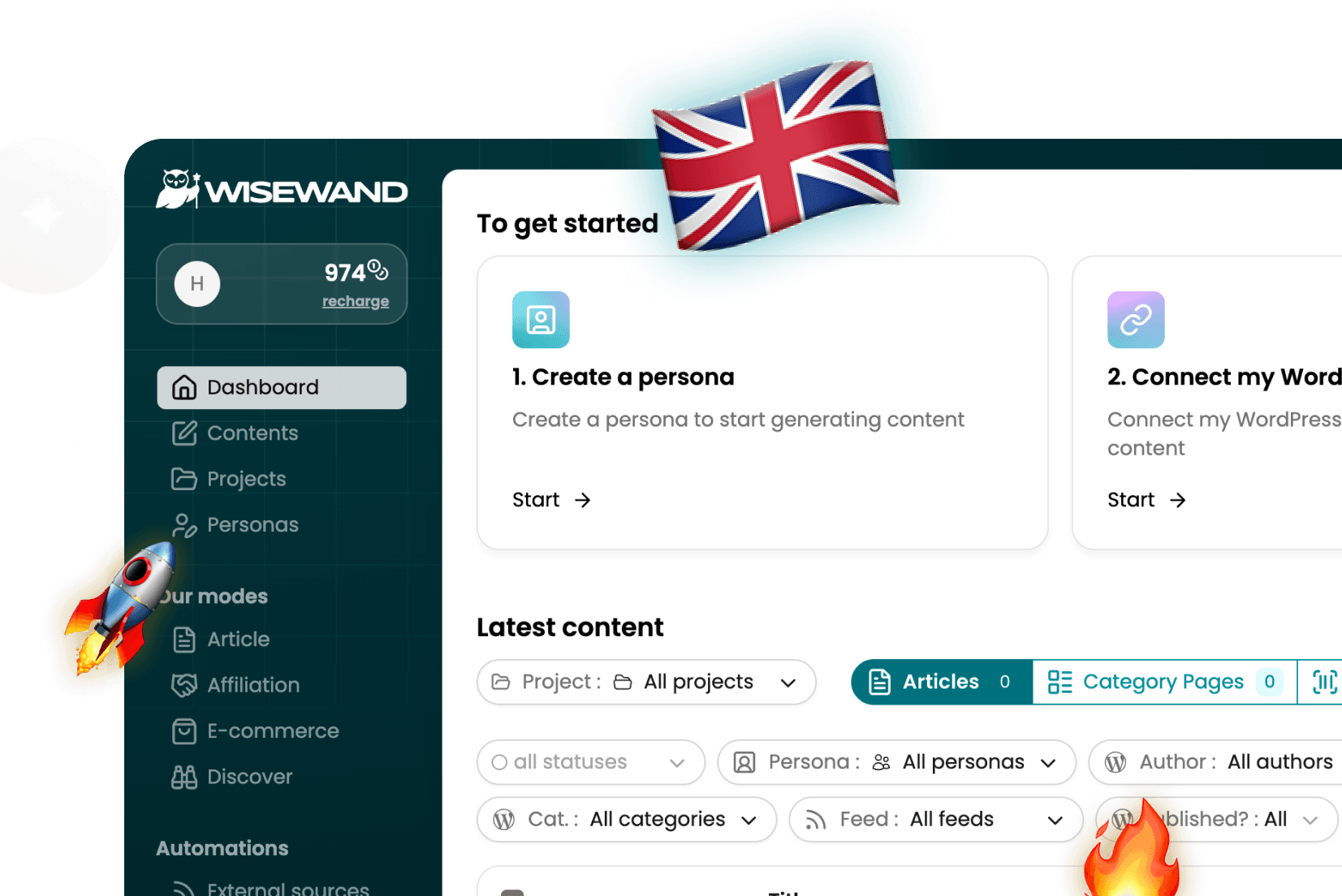
Click "New Article", select Autopilot mode, enter your keyword, and hit generate. Here's what happens behind the scenes:
- SERP Analysis: Wisewand crawls the top 10 ranking pages for your keyword
- Entity Mapping: It extracts keywords, semantic entities, heading structures, and content patterns
- Content Brief: An optimized brief is auto-generated based on what Google rewards
- Article Generation: The AI writes a 2,000-4,000 word article following the brief
- SEO Optimization: Internal links, meta tags, and semantic optimization are applied
- Image Generation: Relevant 4K images with alt text are created (costs 0.5 credits per image)
The entire process takes under 3 minutes. You'll see a progress bar showing each step.
Step 4: Review and Edit (20-30 Minutes)
This is the step most people skip - and it's the most important. Wisewand generates excellent first drafts, but publishing without review is a mistake.
My Review Checklist
- Factual accuracy: Verify all statistics, dates, and claims. Wisewand cites sources, but cross-check the important ones
- Internal links: Wisewand suggests internal links, but verify they point to the right pages. Add 2-3 manual ones to your most important pages
- External links: Add 2-3 links to high-authority sources. This strengthens E-E-A-T signals
- Personal voice: Add 1-2 personal anecdotes or opinions. This is what separates ranked content from generic AI output
- CTA placement: If it's an affiliate article, ensure your CTAs are in the right positions
Plan for 20-30 minutes of review per article. One independent test showed that reviewed articles perform 15-20% better in rankings than unreviewed ones.
Step 5: Publish to WordPress
If you've connected the Wisewand WordPress plugin, publishing is one click:
- Click "Publish to WordPress" in the article editor
- Select your target site (Wisewand supports multi-site management)
- Choose publish now or schedule for later
- Images, internal links, and meta tags are automatically transferred
No copy-pasting, no formatting issues. The article appears on your WordPress site exactly as it looks in Wisewand.
If you're creating affiliate content instead of standard blog posts, check out our Wisewand Affiliation Mode guide for the specialized workflow. And for pricing details, see our Wisewand pricing breakdown.
Ready to produce SEO content that ranks? Start writing with Wisewand →
Autopilot vs Advanced Mode: When to Use Each
Before diving into the comparison, here's the official Wisewand walkthrough showing all three writing modes in action:
Autopilot V2 is ideal for 80% of your content needs. But there are situations where Advanced mode gives better results:
| Scenario | Best Mode | Why |
|---|---|---|
| Standard blog posts | Autopilot | Speed - 3 minutes vs 15+ |
| Competitive keywords | Advanced | Custom brief lets you differentiate |
| Affiliate reviews | Advanced (Affiliation) | Product-specific customization needed |
| Niche topics | Advanced | Add specific sources for accuracy |
| Bulk content | Autopilot | Scale without sacrificing consistency |
Common Wisewand Mistakes to Avoid
- Skipping persona setup: Generic content ranks worse. Always set up a persona first
- Publishing without review: Even 10 minutes of editing significantly improves performance
- Ignoring the SEO Score: If Wisewand gives you a score below 70, revise the article before publishing
- Using only Autopilot: For competitive keywords, Advanced mode with custom sources outperforms
- Forgetting images: Articles with Wisewand's AI images (diagrams, comparisons) get more engagement
Want to see how Wisewand compares to just using ChatGPT? Read our Wisewand vs ChatGPT comparison -- the ranking differences are striking.
Results You Can Expect from Wisewand
Based on aggregated data from multiple independent reviews:
- 68% of articles ranked in Google's top 10 within 4-8 weeks (6-month test, 150 articles)
- Page 1 ranking within 24 hours achieved for low-competition long-tail keywords
- 60-80% time savings compared to manual writing or prompt-based AI
- 75-85% optimization scores on tools like 1.fr and NeuronWriter
Results depend on your niche, site authority, and backlink profile. Wisewand handles the content - you still need to handle the technical SEO and link building. For more details on these results, read our complete Wisewand AI review.
See these features in action: See current Wisewand pricing →
Ready to Try It?
Wisewand's Autopilot V2 is available on all plans, starting at $40/month (annual billing, $484 paid once for 380 credits). Credits never expire, so you can test at your own pace. See all plans → | Get an exclusive discount → | Compare with other AI writing tools →
Still have questions? Browse the complete Wisewand FAQ →

Arnaud
SEO publisher and tool tester since 2020. I test AI SEO writing tools hands-on - generating real articles, tracking rankings, and measuring ROI - so you don't have to gamble your budget.