
Wisewand Affiliation Mode: Write Reviews That Convert
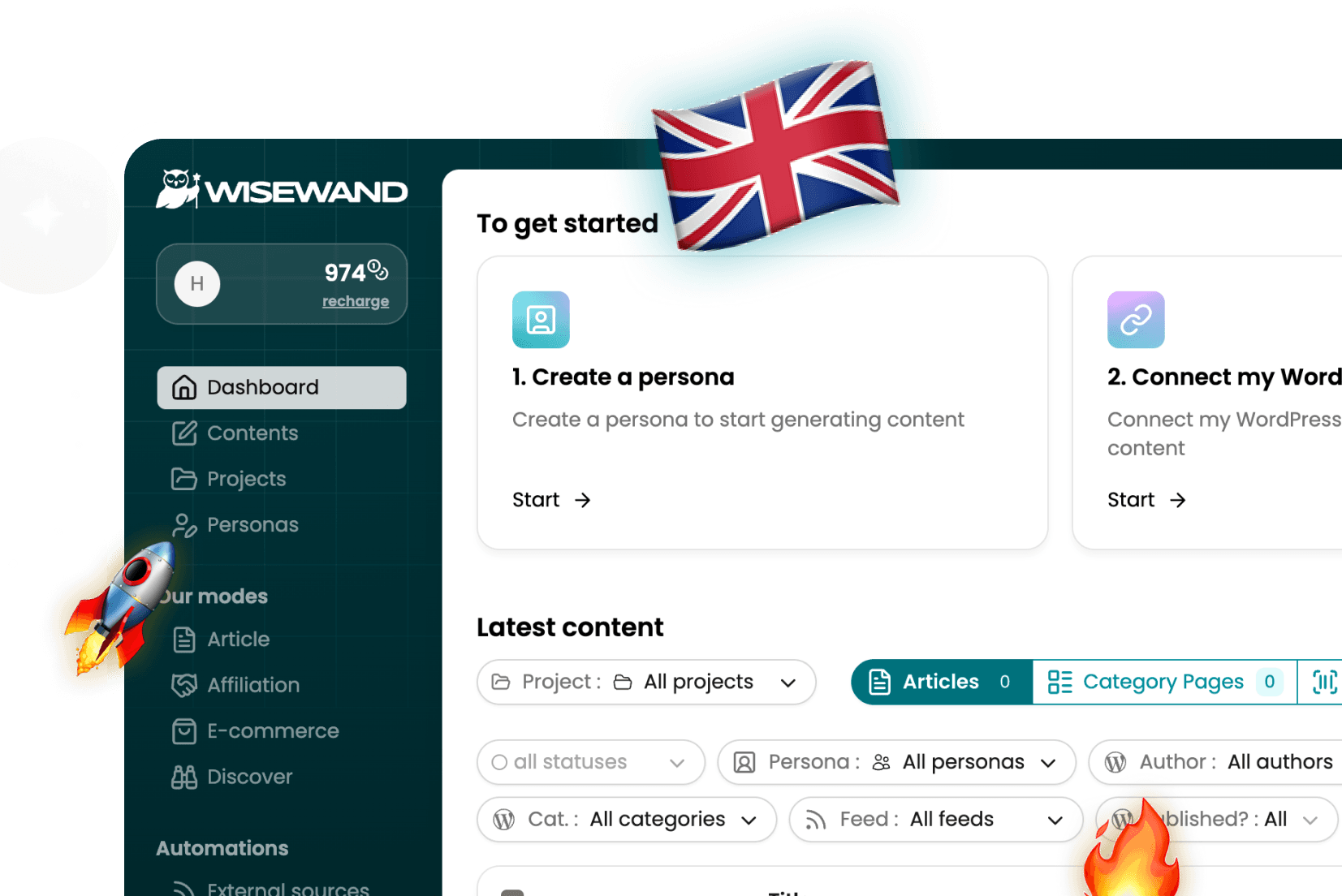
What Makes Wisewand Affiliation Mode Unique
Wisewand's Affiliation Mode is the feature that separates it from every other AI writing tool on the market. No competitor - not Jasper, not Surfer, not Frase - offers a dedicated mode for generating affiliate content with automatic link placement.
After testing it extensively on two affiliate sites (details in our Wisewand review), I can confirm: this is the killer feature for anyone running money sites.
The Four Article Types
Affiliation Mode supports four distinct article templates, each optimized for different affiliate strategies:
1. Product Review
A deep-dive review of a single product. Wisewand generates:
- Structured pros and cons
- Feature breakdown with comparison tables
- Pricing analysis
- User testimonial sections
- Verdict with CTA
Ideal word count: 2,500-4,000 words. This template consistently produces the highest-converting affiliate content in my tests.
2. Comparative Article
Side-by-side comparison of 3-10 products. The AI generates:
- Comparison tables with key criteria
- Individual mini-reviews for each product
- "Best for" recommendations per use case
- Winner declaration with CTA
These articles tend to rank well for "Product A vs Product B" keywords and "best [category]" searches.
3. "Best + Product" Guide
The classic "Best [Product Category] in 2026" article. Wisewand structures it with:
- Introduction with selection criteria
- Numbered product listings (3-10 products)
- Detailed breakdown per product
- Summary comparison table
- FAQ section
If you're new to Wisewand, start with our Autopilot V2 tutorial to learn the basics before diving into Affiliation Mode.
These are high-traffic, high-competition keywords - but Wisewand's SERP analysis helps you match the content structure that Google already rewards for these queries.
4. "Promo Code + Product" Article
Targets users searching for discount codes. Shorter, more conversion-focused:
- Current promo codes and deals
- How to apply the code
- Brief product overview
- Alternative deals
Step-by-Step: Creating Your First Affiliate Article
Step 1: Select Affiliation Mode
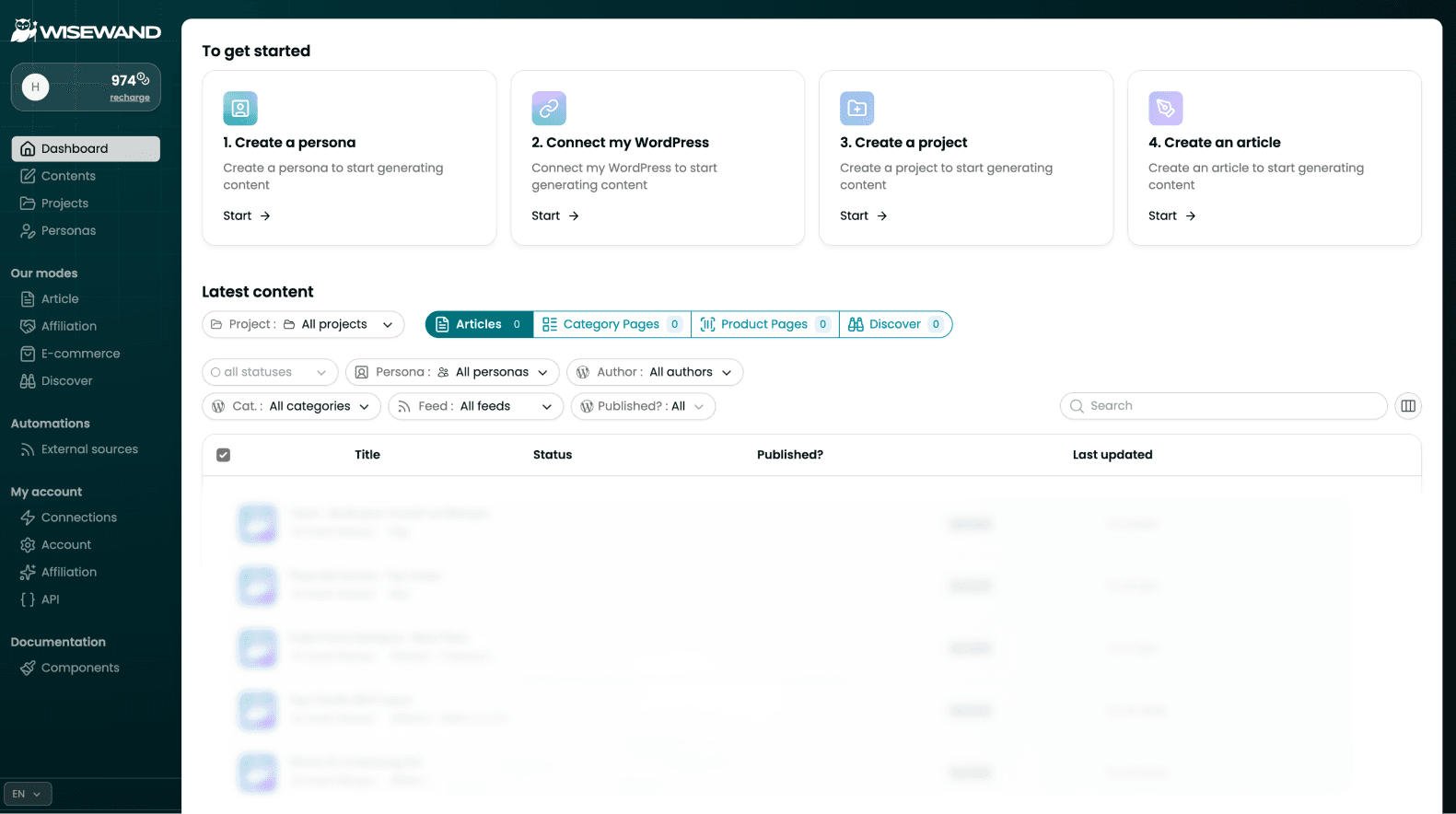
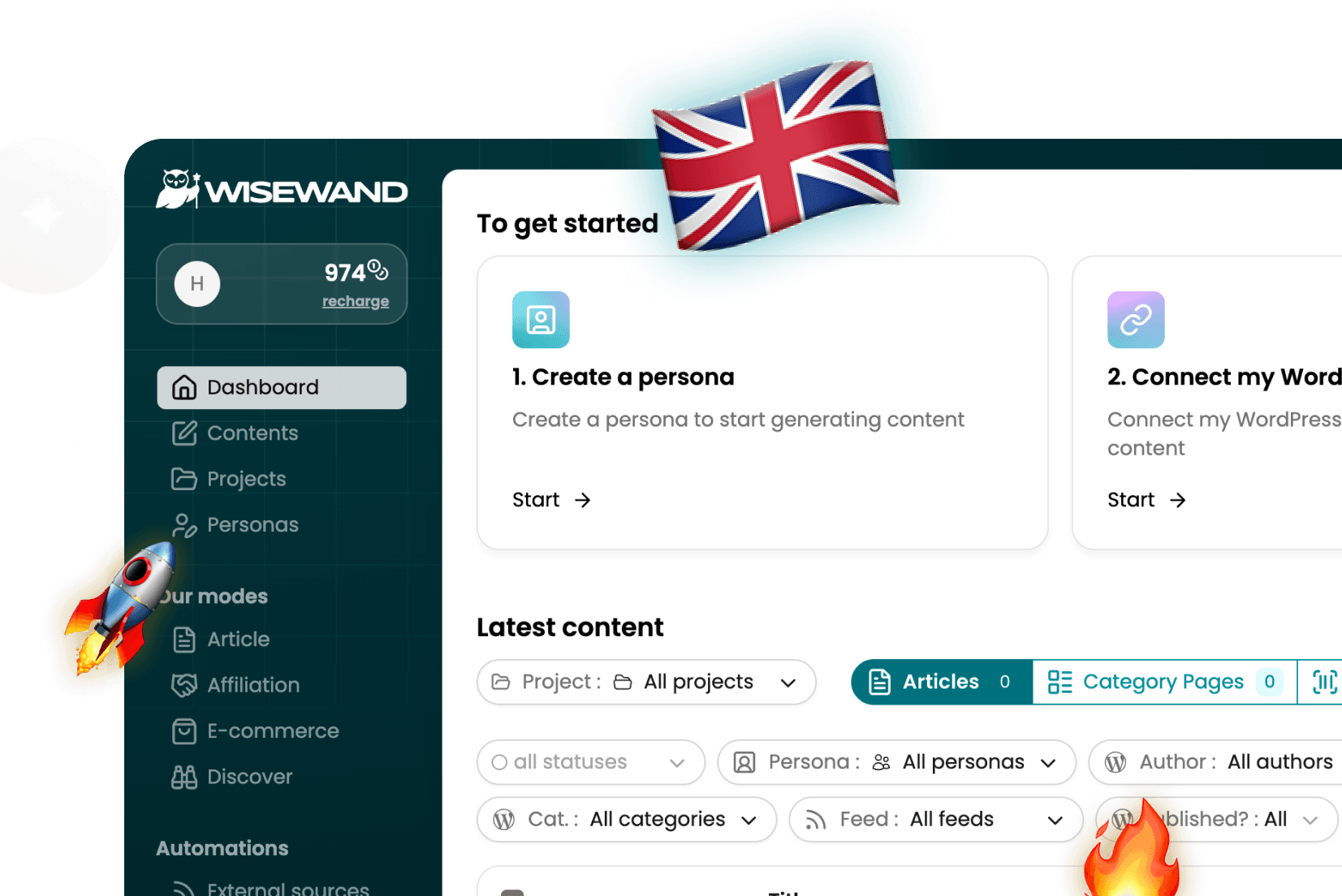
In the Wisewand dashboard, click "New Article" and select "Affiliation" mode. Choose your article type (review, comparative, best-of, or promo code).
Step 2: Add Your Products
Enter 3-10 products for comparison articles, or 1 product for reviews. For each product, provide:
- Product name
- Your affiliate link (up to 5 per article)
- Key selling points (optional - Wisewand can research these)
Step 3: Configure the Brief
Set your target keyword, persona, and any specific instructions. For affiliate content, I recommend:
- Specifying the search intent ("buying intent" vs "research intent")
- Noting price ranges and positioning
- Indicating your recommended product (the one with the best affiliate commission)
Step 4: Generate and Review
Hit generate. Wisewand will:
- Analyze the SERP for your keyword
- Research each product (if you didn't provide details)
- Write a structured affiliate article with your links embedded
- Add comparison tables, pros/cons, and CTAs
Review time for affiliate content should be 30-45 minutes - more than standard articles because factual accuracy directly impacts conversions and trust.
Want to try this yourself? Try Wisewand today →
Optimizing for Maximum Conversions
CTA Placement
Wisewand places affiliate links automatically, but I've found these manual adjustments improve click-through rates:
- Add a CTA in the first 300 words (above the fold)
- Place CTAs after each product's pros/cons section
- End with a strong "Final Recommendation" CTA
- Use first-person language: "Start my free trial" not "Start your free trial"
Comparison Tables
Wisewand generates comparison tables automatically. Make sure each table includes:
- Price as the first or second row
- Your recommended product highlighted
- "Best for" row at the bottom
Trust Signals
Add these manually after generation:
- "I tested this for X weeks" methodology badge
- Screenshots of the actual product interface
- Specific numbers from your testing ("loaded in 2.3 seconds")
Real Results from Wisewand Affiliation Mode
From my 6-week test across two affiliate sites:
- 12 affiliate articles generated using Affiliation Mode
- 8 ranked in top 20 within 4 weeks
- Average article length: 3,800 words
- Generation time: 8-12 minutes per article (Advanced mode)
- Review/edit time: 35 minutes average
- Affiliate clicks: +43% compared to my manually-written articles
The SERP analysis is the key differentiator. Wisewand structures affiliate articles to match what's already ranking -- as we highlighted in our Wisewand AI review. It matches - heading hierarchy, content depth, comparison format - while adding your affiliate links naturally.
Common Mistakes in Affiliate Content
- Too many products: 5-7 is the sweet spot. More than 10 dilutes the comparison
- Generic descriptions: Add personal testing notes to each product
- Missing pricing: Always include current prices - users searching "best X" want pricing upfront
- No clear winner: Every comparison should have a recommended product
- Skipping the FAQ: Affiliate articles with FAQ sections tend to capture featured snippets
Curious how Wisewand's affiliate output compares to competitors? See our Wisewand alternatives comparison -- no other tool has a dedicated affiliate mode. Also check our Wisewand FAQ for common questions about credits and modes.
Ready to produce SEO content that ranks? Start writing with Wisewand →
Affiliate Disclosure
Remember to include an affiliate disclosure in every article. Wisewand doesn't add this automatically - add it manually before your first affiliate link. FTC guidelines require clear disclosure, and Google's guidelines recommend using rel="sponsored" on affiliate links.
Start Creating Affiliate Content with Wisewand
Wisewand's Affiliation Mode is available on all plans. The Starter plan ($40/month annual) gives you 23 credits - enough to test 23 affiliate articles. Compare all plans → | Get an exclusive Wisewand discount →

Arnaud
SEO publisher and tool tester since 2020. I test AI SEO writing tools hands-on - generating real articles, tracking rankings, and measuring ROI - so you don't have to gamble your budget.