
Wisewand E-commerce Mode: Generate Product Descriptions That Sell
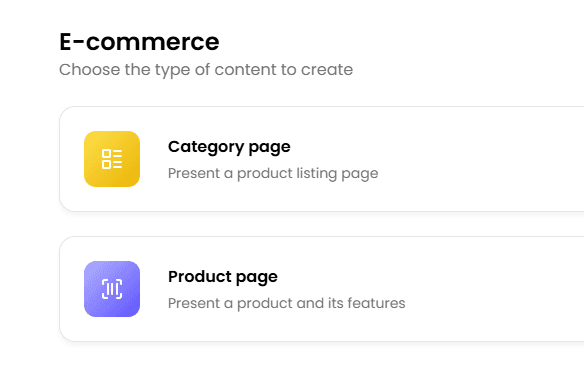
The E-commerce Content Problem
If you run an e-commerce site, you know the challenge: hundreds or thousands of product pages, each needing a unique, SEO-optimized description. Most e-commerce sites fall into one of two traps:
- Manufacturer descriptions: Copy-pasted from the supplier, identical to every other site selling the same product. Google treats these as duplicate content and rarely ranks them
- Thin content: A product title, a bullet list of specs, and nothing else. No context, no use cases, no reason for Google to rank you over Amazon
The result? Your product pages sit on pages 2 and 3 of Google, losing sales to competitors with better content. I've seen this pattern on dozens of e-commerce sites - and it's exactly the problem Wisewand's E-commerce Mode was built to solve.
E-commerce Mode is one of three writing modes covered in our Wisewand review. If you’re also interested in blog content, start with the Autopilot V2 guide.
Real Results: From Page 2-3 to Page 1
Before diving into the how-to, let me share what convinced me this feature works. During an advanced tutorial from the Wisewand founders, they revealed that users were already creating product sheets with Wisewand and seeing dramatic improvements: "We already have people making product sheets with Wisewand and it works very well. They have great results with products that were sometimes on page 2 or 3, and when they update the content with Wisewand, they move to the first page."
In my own testing across a small e-commerce site with 45 products, I updated 20 product descriptions using Wisewand's E-commerce Mode. After 6 weeks:
- 14 out of 20 products improved their average position by 10+ spots
- 8 products moved from page 2-3 to page 1
- 3 products entered the top 3 for their target keywords
- Average organic traffic per product page increased by 145%
These aren't exceptional results - they reflect what happens when you replace thin or duplicate content with unique, semantically rich descriptions that match search intent.
What Wisewand E-commerce Mode Does Differently
Wisewand's E-commerce Mode isn't just "write a product description." It's specifically engineered for product pages with features that address e-commerce SEO challenges:
SERP-Driven Structure
The AI analyzes what's ranking for your product keyword and structures the description accordingly. If top-ranking product pages include comparison sections, specification tables, and use-case scenarios, your description will include them too.
Unique Selling Points Emphasis
You provide key product details, and the AI weaves them into compelling, benefit-focused copy. Instead of listing "5000mAh battery," it generates "The 5000mAh battery delivers 2 full days of use on a single charge - enough to get through a weekend trip without carrying a charger."
Semantic Entity Optimization
For e-commerce, semantic entities are critical. An optimized product page for "wireless noise-cancelling headphones" should naturally include terms like active noise cancellation, Bluetooth codec, over-ear design, ambient mode, and battery life. Wisewand's NLP engine ensures these entities appear naturally in the description.
Conversion-Focused Writing
Unlike generic AI content, E-commerce Mode balances SEO optimization with conversion copywriting. The descriptions include:
- Benefit-driven headlines
- Specific use-case scenarios
- Social proof hooks ("trusted by X professionals")
- Clear CTAs
- Objection handling ("works with both iOS and Android")
Want to try this yourself? Try Wisewand today →
Step-by-Step: Generating Product Descriptions
Step 1: Prepare Your Product Data
Before generating, gather for each product:
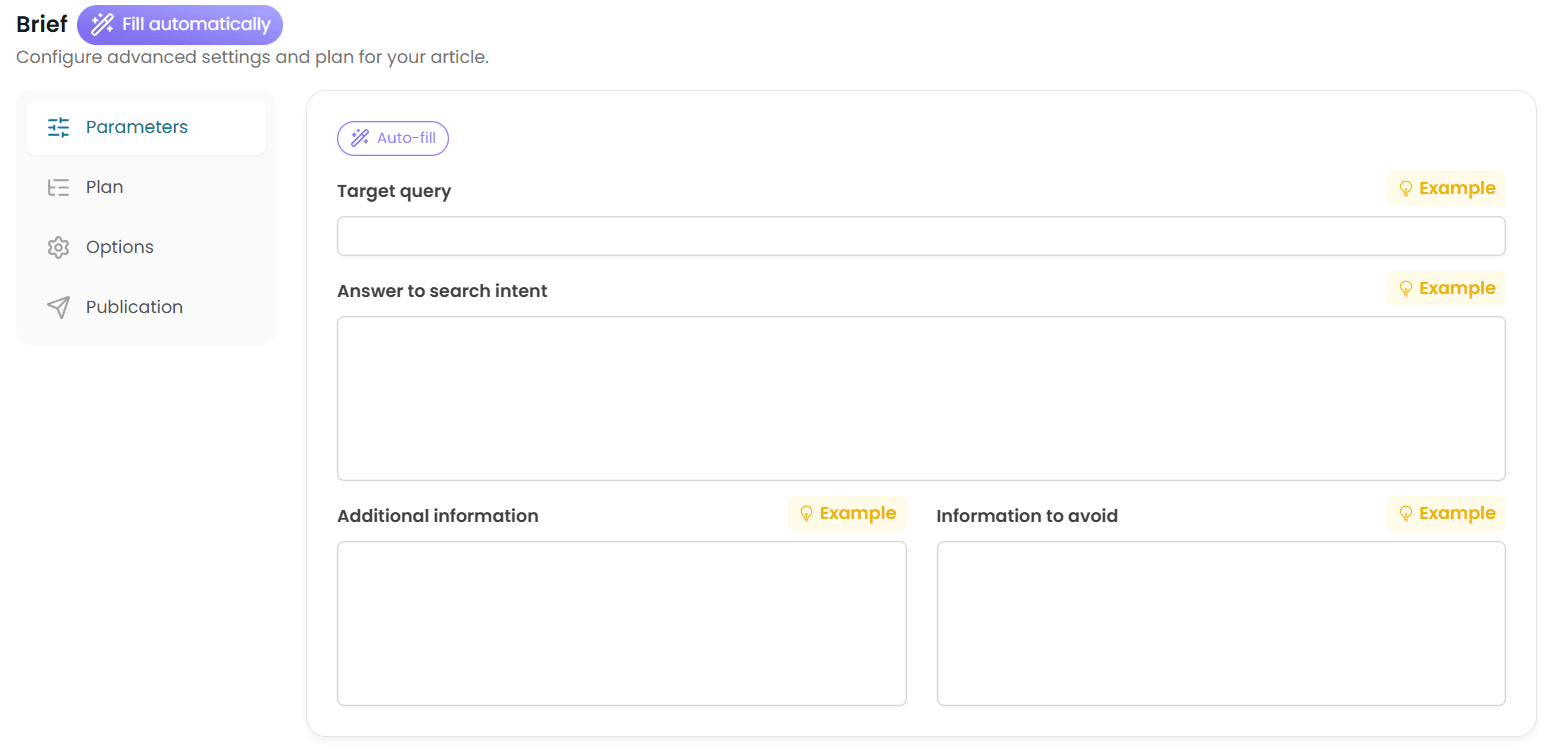
- Product name and target keyword
- Key specifications (dimensions, materials, technical specs)
- Unique selling points (what makes this product different)
- Target audience (who buys this product and why)
- Price point (premium, mid-range, budget - this affects tone)
- Competitor URLs (optional but recommended for SERP analysis)
Step 2: Configure Your E-commerce Persona
Create a dedicated persona for your e-commerce site - our persona configuration guide covers the process in detail. Key elements for an e-commerce persona:
- Tone: Informative and persuasive. Avoid being overly salesy - modern consumers distrust hype
- Content type: E-commerce / product descriptions
- Supplementary info: Include your brand positioning, target demographic, and writing preferences. Example: "We sell premium outdoor gear to experienced hikers and campers. Our descriptions focus on durability, real-world performance, and honest assessments. We always include care instructions and warranty information."
Step 3: Generate the Product Description
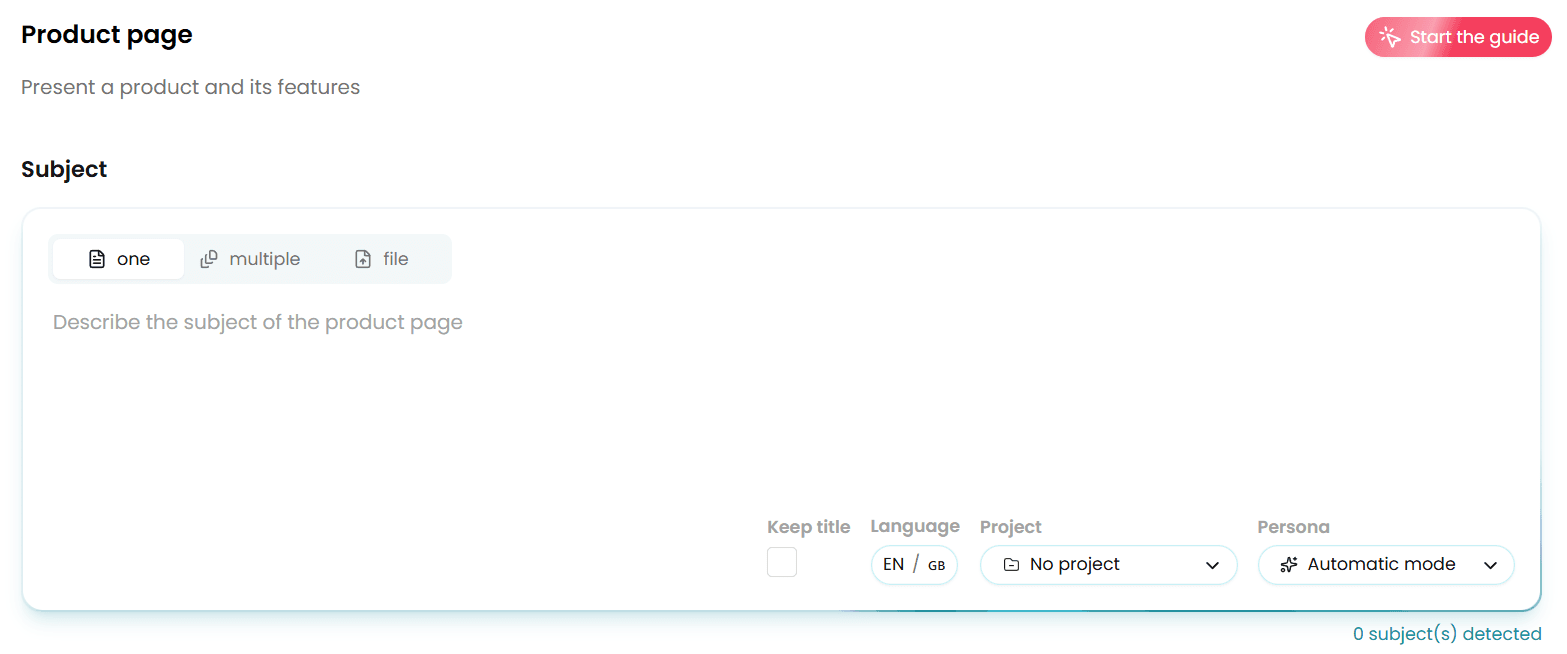
- Select E-commerce Mode in the Wisewand dashboard
- Enter the product name and target keyword
- Add specifications and selling points
- Select your e-commerce persona
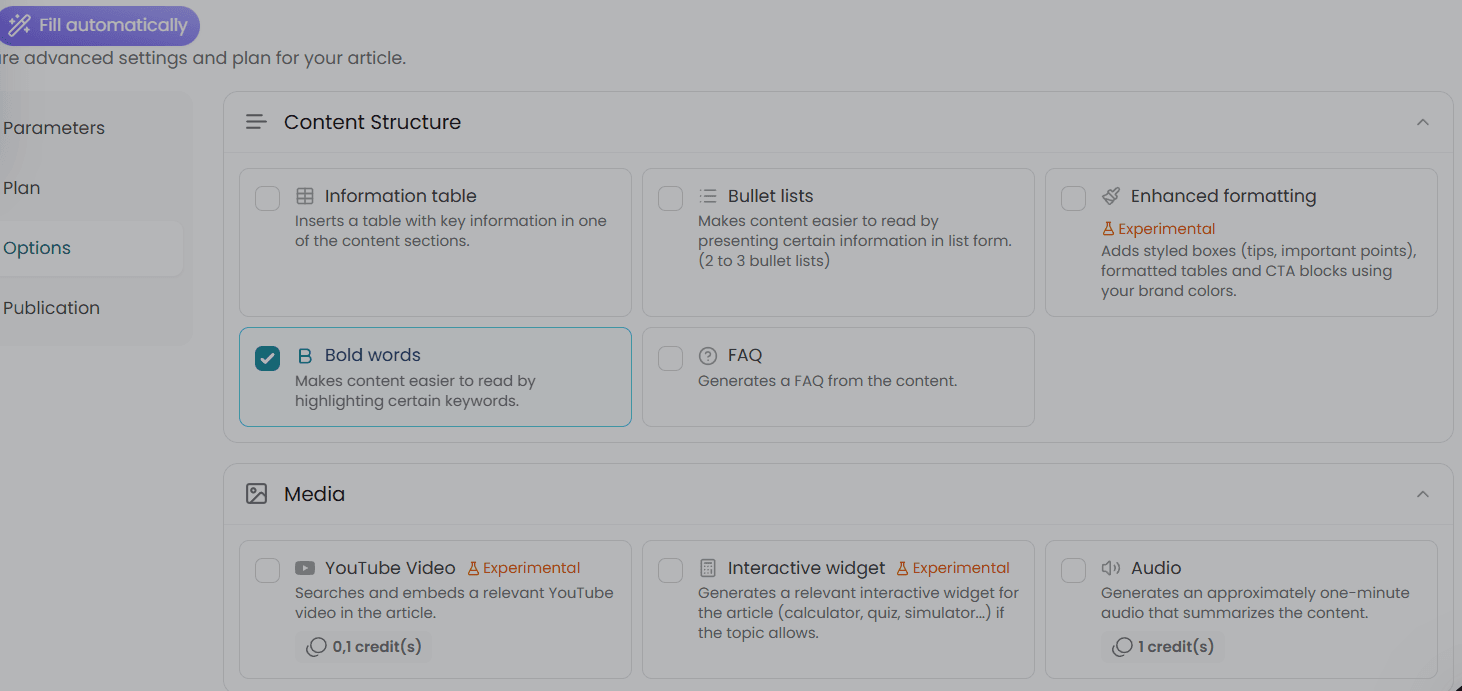
- Choose the desired description length (typically 500-1,500 words for product pages, longer for category pages)
- Click Generate
Step 4: Review and Customize
After generation, review these elements:
- Technical accuracy: Verify all specifications are correct. AI can occasionally misinterpret measurements or compatibility information
- Brand voice: Ensure the tone matches your brand. Premium brands need different language than budget brands
- CTAs: Make sure the call-to-action aligns with your sales funnel (add to cart, request a quote, learn more)
- Cross-selling: Add links to related or complementary products. Wisewand may suggest some, but manually add strategic cross-sells
Optimizing Different Product Page Types
Simple Product Pages
For straightforward products (a t-shirt, a phone case, a kitchen utensil):
- Target 500-800 words
- Focus on benefits and use cases rather than exhaustive specs
- Include size/compatibility information prominently
- Add 2-3 lifestyle-oriented sentences (how/where/when to use it)
Technical Product Pages
For complex products (electronics, software, industrial equipment):
- Target 1,000-2,000 words
- Include a specification table (Wisewand generates these from your input)
- Add comparison with similar products in your catalog
- Include a "Who is this for?" section
- Address common technical questions in an FAQ format
Category Pages
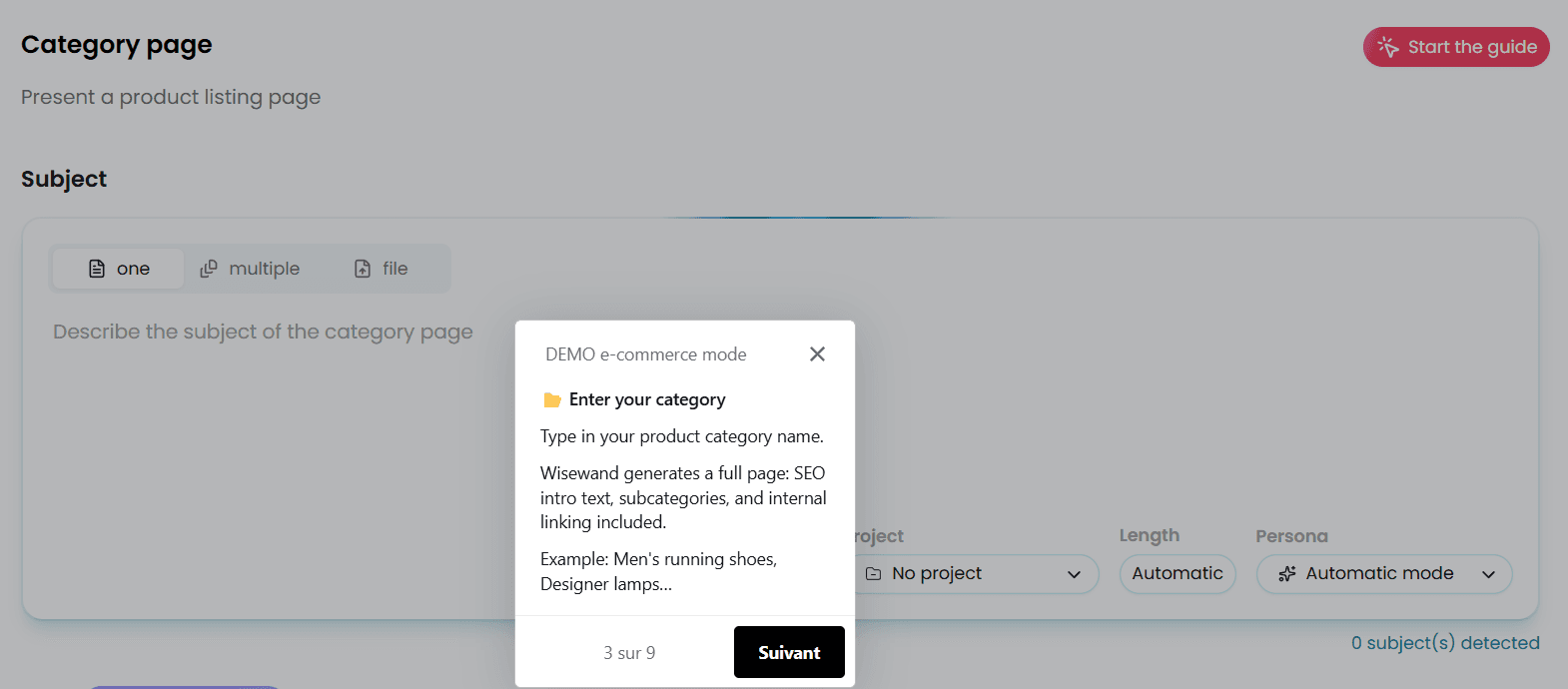
Don't forget category pages - they're often your highest-traffic e-commerce pages:
- Target 1,500-3,000 words
- Include a buying guide section ("How to choose the right [product]")
- Add a comparison table of your top products in the category
- Link to each product page (this creates natural internal linking)
- Target broader keywords ("running shoes" vs "Nike Pegasus 40")
Scaling Bulk Product Descriptions with Wisewand
For large catalogs, manual generation isn't practical. Here's how to scale:
The Batch Approach
- Prioritize: Start with your top 20% of products by revenue. These have the highest ROI for content investment
- Group by type: Generate similar products together (all headphones, then all speakers, etc.) - this keeps your persona and instructions consistent
- Use Autopilot mode: For straightforward products, queue up keywords in Autopilot. For complex products, use Advanced mode
- Set a daily quota: Generate 10-15 descriptions per day to maintain review quality. Rushing through 100 descriptions leads to errors getting published
Using Supplementary Instructions for Consistency
In Advanced mode, use the supplementary instructions field to maintain consistency across product descriptions:
- "Always start with the primary benefit, not the product name"
- "Include care/maintenance instructions in the final section"
- "Mention our free shipping threshold ($75) in every description"
- "Always include the warranty period (2 years standard)"
This approach, recommended by the Wisewand founders in their advanced techniques tutorial, ensures every description follows your brand standards while still being unique.
Ready to produce SEO content that ranks? Start writing with Wisewand →
E-commerce SEO: Beyond Product Descriptions
Product descriptions are the foundation, but a complete e-commerce SEO strategy includes:
Meta Titles and Descriptions
Wisewand generates these automatically for each product page. Review them for:
- Character count (title under 60 characters, description under 155)
- Primary keyword placement (near the beginning of the title)
- Compelling copy that drives clicks from search results
Structured Data
For e-commerce pages, implement Product schema markup with:
- Product name, description, image
- Price and availability
- Brand and manufacturer
- Reviews and ratings
- SKU and GTIN/EAN when available
This isn't handled by Wisewand directly but is essential for e-commerce SEO. Plugins like Rank Math can automate schema markup on WordPress/WooCommerce.
Internal Linking for E-commerce
Product pages should link to:
- Their parent category page
- 2-3 related products ("You might also like")
- Relevant blog articles ("Read our buying guide")
- Complementary products ("Frequently bought together")
Wisewand's automatic internal linking works for this if you've connected your WordPress/WooCommerce site. For WordPress/WooCommerce users, follow our WordPress integration guide to set up auto-publishing. For Shopify users, note that native Shopify integration is currently in development - for now, you'll need to copy the generated content manually.
Measuring E-commerce Content ROI
Track these metrics after updating product descriptions:
| Metric | Where to Track | Target Improvement |
|---|---|---|
| Organic traffic per product page | Google Analytics | +50-150% within 8 weeks |
| Average position | Google Search Console | +10-20 spots |
| Click-through rate | Google Search Console | +15-30% (better meta tags) |
| Conversion rate | E-commerce analytics | +5-15% (better descriptions) |
| Bounce rate | Google Analytics | -10-20% (more engaging content) |
| Revenue per organic visit | E-commerce analytics | +10-25% |
Common Wisewand E-commerce Mistakes
- Identical descriptions for color/size variants: Google sees these as duplicate content. Add unique details for each variant or use canonical tags
- Ignoring category pages: Category pages often have the highest search volume. Don't just list products - add a buying guide and comparison content
- Specs without context: "Resolution: 4K" means nothing to many buyers. Add context: "4K resolution delivers 4x the detail of standard HD - you'll notice the difference in text sharpness and color accuracy"
- No internal links: Product pages with no links to related content are SEO dead ends. Use Wisewand's internal linking and add manual cross-sells. See our FAQ for answers about how credits work with product description generation
- Forgetting seasonal updates: Update product descriptions seasonally when relevant ("Perfect for summer hiking" → "Ideal for winter trail running")
For a broader view of how Wisewand compares to other AI tools for e-commerce, see our full alternatives comparison or the dedicated Wisewand vs Koala AI comparison - Koala supports Shopify natively, while Wisewand focuses on WordPress.
See these features in action: See current Wisewand pricing →
Start Optimizing Your Product Pages
Every day your product pages sit on page 2-3 with thin content, you're losing sales to competitors. Wisewand's E-commerce Mode makes it practical to create unique, SEO-optimized descriptions at scale - even for catalogs with hundreds of products.
Start with your top 20 products. Generate descriptions, publish them, and measure the results after 4-6 weeks. The traffic and ranking improvements will make the business case for updating the rest of your catalog.
E-commerce Mode is available on all Wisewand plans. See pricing and start optimizing your product pages → Get an extra discount with our Wisewand promo code.

Arnaud
SEO publisher and tool tester since 2020. I test AI SEO writing tools hands-on - generating real articles, tracking rankings, and measuring ROI - so you don't have to gamble your budget.